

Overview
Incident analyses are structured around the key questions after an incident:- What happened - summary and timeline
- What contributed - evidence-backed causes and impact
- How it was resolved - actions taken to fix the issue
-
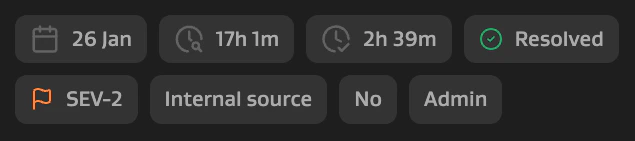
Attribute cards - key metadata like severity, time to detect, time to resolve, user impact
-
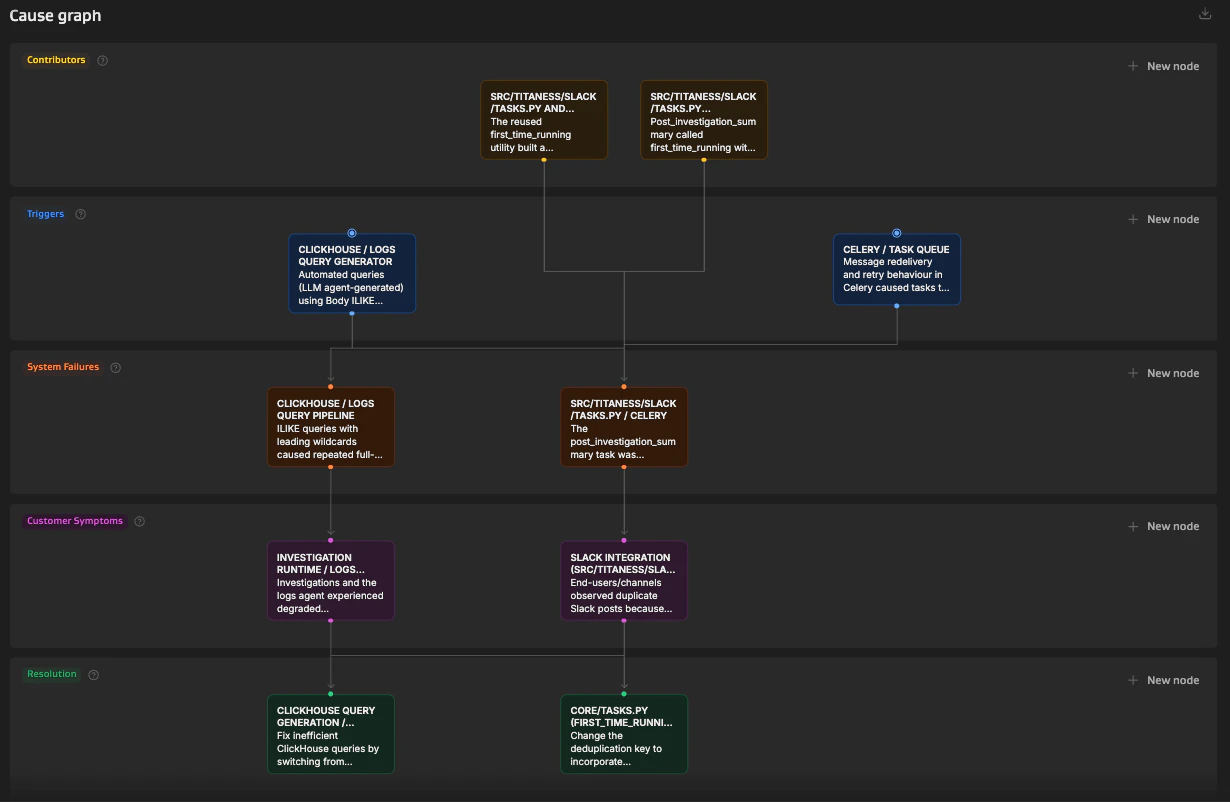
Cause graph - how contributing factors connect to symptoms
-
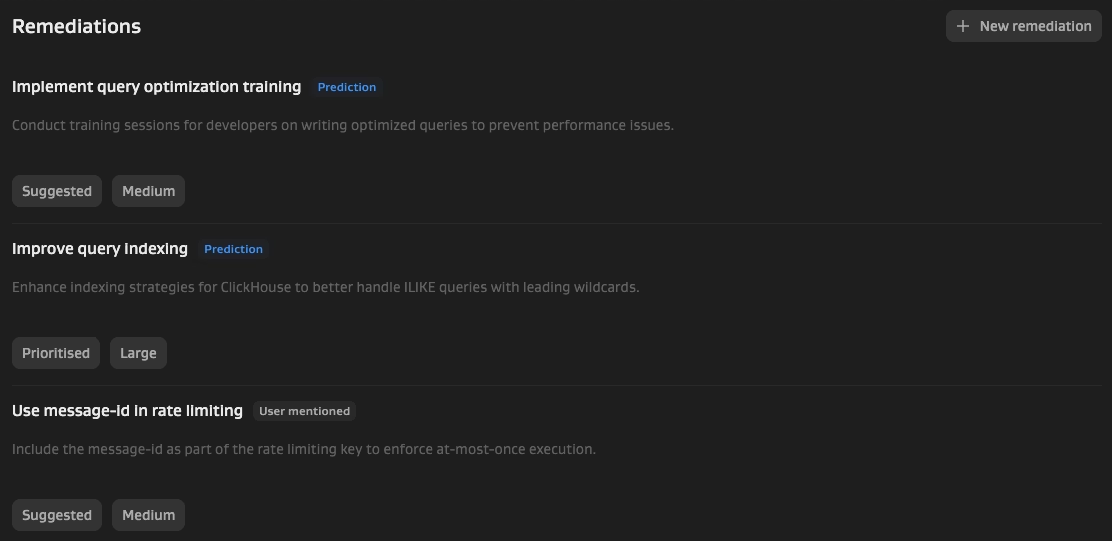
Remediations - user-mentioned or Phoebe-suggested actions to prevent recurrence
Prerequisites
- @Phoebe Slack app installed (setup guide)
- Phoebe added to the incident channel or thread
Incident analysis currently supports Slack only. Microsoft Teams is not yet supported.
Generate your first analysis
Add @Phoebe to an incident channel. When prompted, classify the channel type:- Dedicated incident - one incident per channel. Run
@Phoebe analyse. Phoebe will use the entire channel as the incident record. - Multi-incident - multiple incidents in separate threads. Run
@Phoebe analyseinside the relevant thread so data from different incidents isn’t combined.
Chat
Ask follow-up questions to explore findings, clarify details, or extract information not shown in the report. Common questions:- “Write a summary for the client in less than 50 words”
- “Give me exact start and end times of the outage”
- “What was the impact on customers?”
- “Give me more lessons learnt”
- “What are alternative titles for this incident?”
Chat history is private to each user - others in your team or org cannot see your conversation.
Additional options
Organisation-specific settings
Phoebe can be customised to match your team’s conventions:- Channel naming patterns for Phoebe to auto-join (
#inc-,#issue-,#bug-) - Severity scale (
SEV-1vsP1vsHigh) - Custom classification attributes
- Incident report templates
Quiet notifications
Route analyses update posts to a dedicated Slack channel instead of posting in incident channels:- Create a channel (e.g.
#phoebe-analysis) - Add @Phoebe and classify as Other
- Run
/phoebe notify analysis_update
Meeting transcripts
Attach call transcripts to give Phoebe more context.When a meeting link is shared in the incident channel, Phoebe will prompt you to record a transcript.