

Prerequisites
Chat requires at least one data integration configured:- Observability data (logs, metrics, traces)
- Code (commits, PRs, code repository)
When to use chat
Incident debugging Use Phoebe as an assistant when investigating a specific issue — explore hypotheses, find supporting evidence, and narrow down root causes. Health checks Proactively spot regressions or abnormal patterns before they escalate — useful for periodic monitoring.Follow-up questions
The first response is often just the beginning. After an investigation completes - whether triggered by an alert or a search query - you can continue the conversation with Phoebe to drill deeper, adjust scope, or take action. Phoebe remembers and builds on the context from earlier messages and results.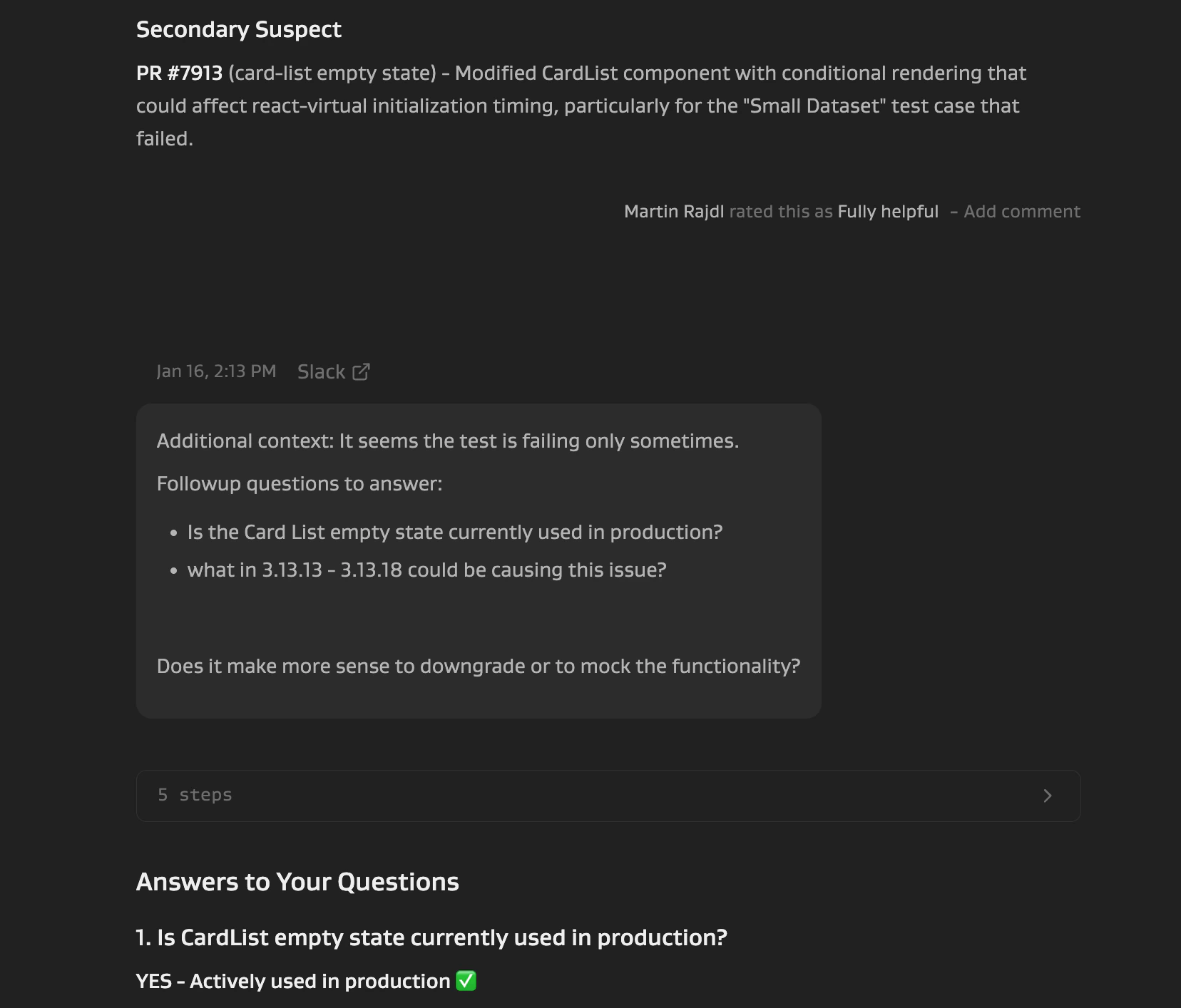
- “Show me the logs that show connection timeouts.”
- “What changed in that service recently?”
- “Did we have traffic during the time when those errors spiked?”
- “Check the payment service instead for logs containing ‘connection refused’ message”
- “What about the EU region?”
- “Generate a PR to fix the logging level”
- “Draft a summary for the incident channel”
How to chat
Option 1: Investigations UI Go to the Investigations UI and enter your question. Results include a detailed breakdown of Phoebe’s reasoning process, sub-agents used, and specific queries run. Option 2: Slack Ask Phoebe in any Slack channel classified as Other (e.g.#phoebe-chat).
- Add @Phoebe Slack app to the channel
- When prompted, classify the channel as Other
- Ask your question by mentioning @Phoebe
Slack responses show a summary with a link to the Investigations UI for full details.